The equipment that works best with Canopi
You don't need any special hardware to use Canopi. But if you want to speed up your day-to-day work, here you'll find the equipment we've tested and recommend.
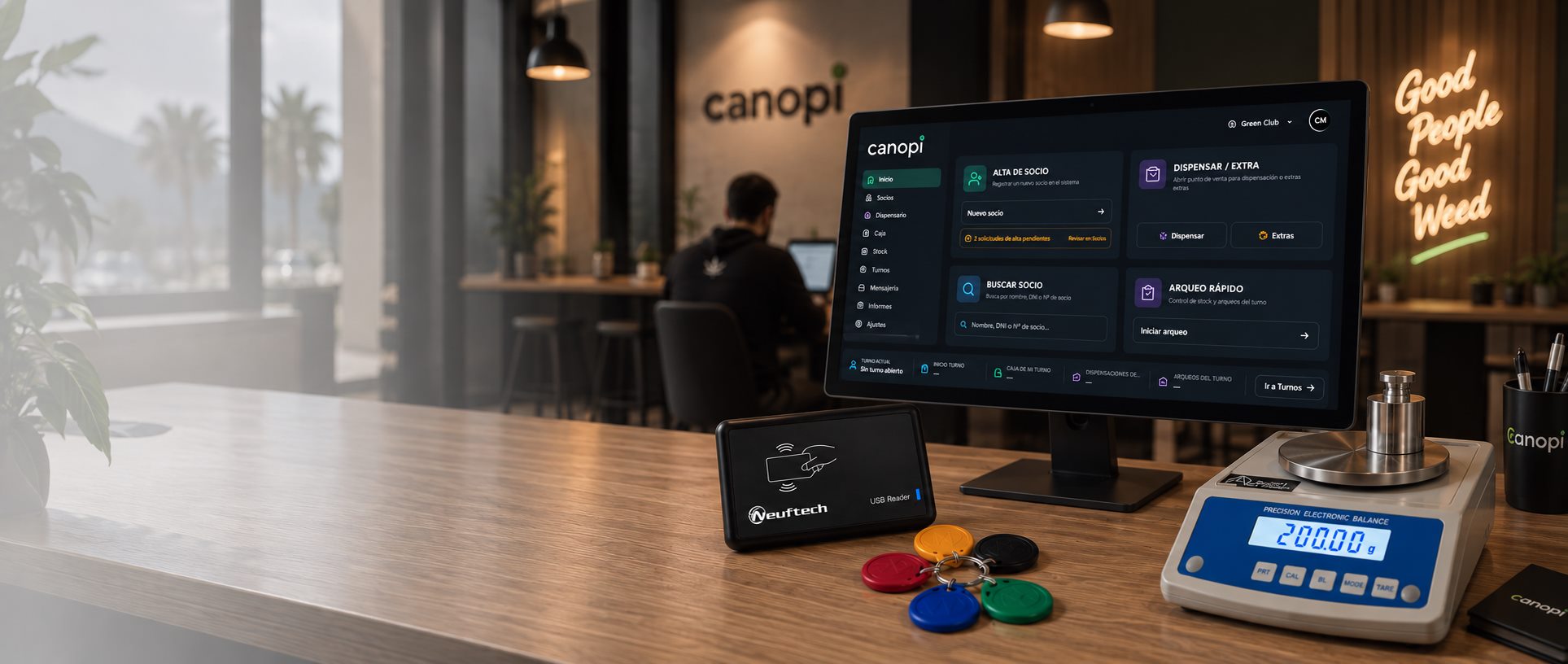
- We only mark as compatible what we've tested
- Nothing to install: Canopi runs in the browser
- Not sure? Send us a photo of your equipment and we'll tell you if it works
What your club needs
Four pieces of counter equipment and what to know about each one before you buy.
Computer or tablet
All you need to work with Canopi. No POS terminal or special equipment.
What to chooseRFID reader and key fobs
The member taps their key fob and Canopi identifies them instantly, with no manual search.
What to buyPrecision scale
Canopi reads the weight from the recommended scale and sends it to the dispensary with one click.
What to look forContract signing
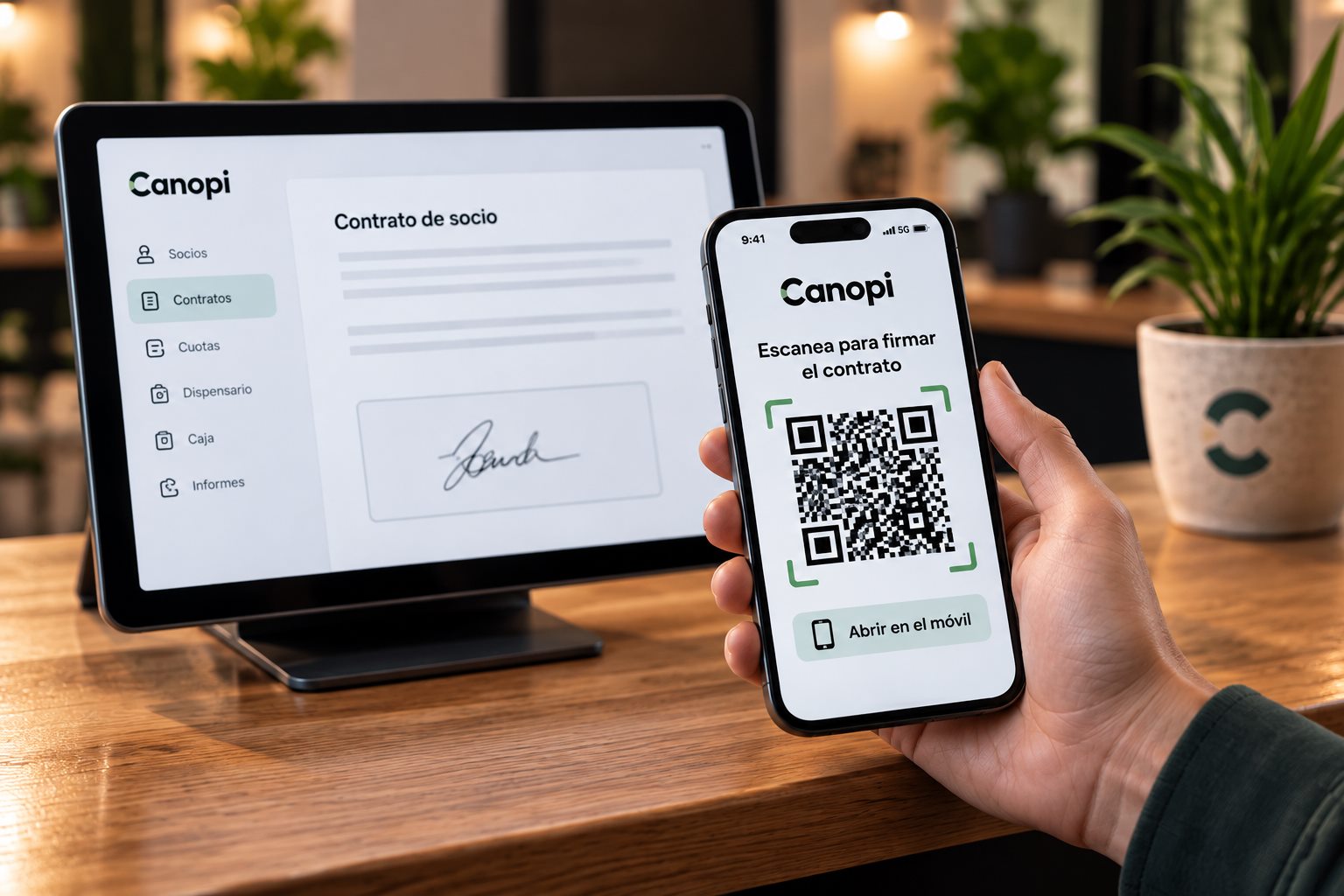
The member signs with their finger on the club's screen or from their own phone.
How it worksWhat to check before you buy
What we've tested, what we recommend and what you can skip.
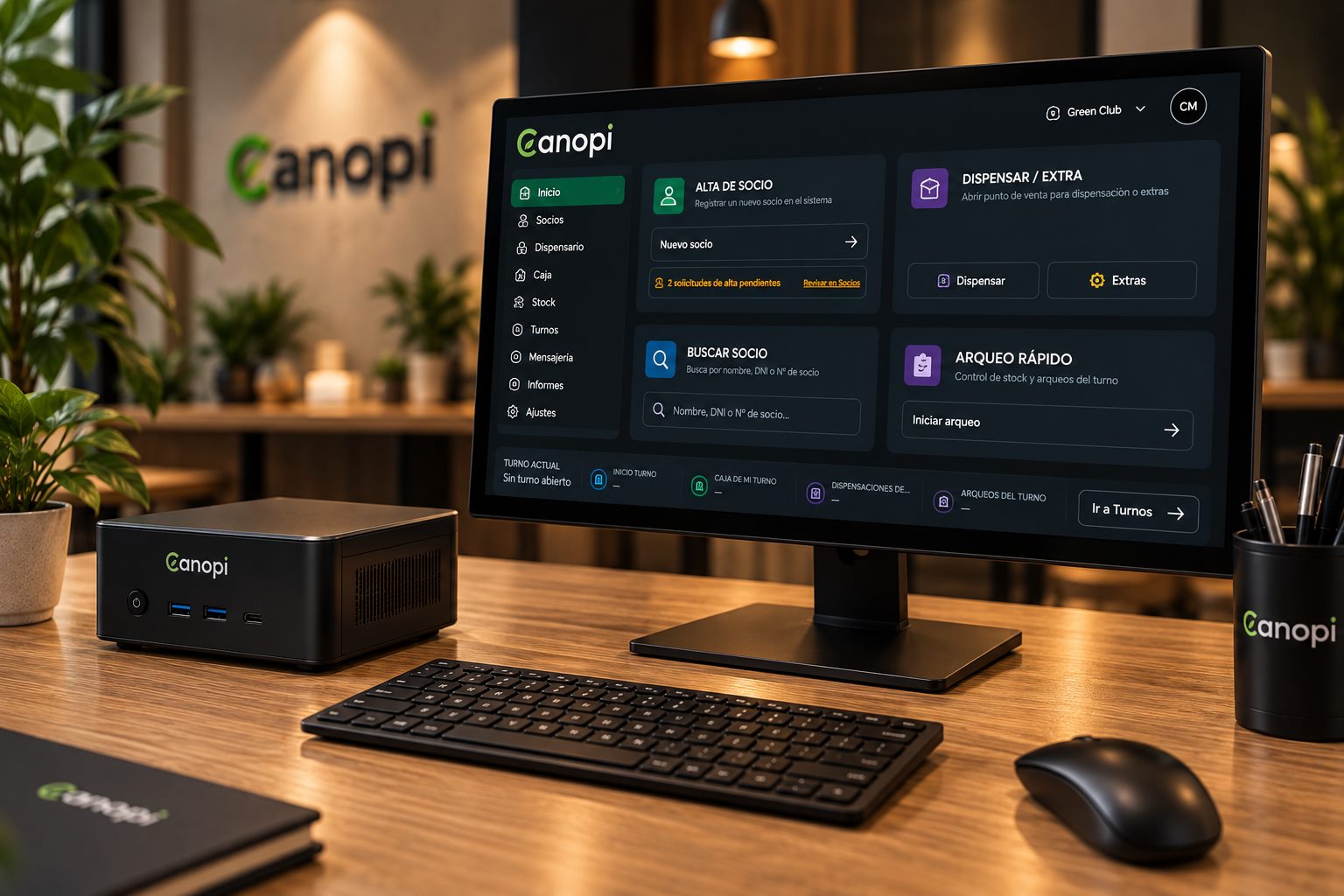
- PC/Mini PC recommended
- Android tablet
- iPad/iPhone work with Canopi, RFID not tested
Computer or tablet
Canopi runs in the browser, on any device with an internet connection. You don't need a POS terminal or special equipment, and you can install it as an app straight from the browser, without going through any app store.
A computer with a comfortable screen. If it's a touchscreen, you can run the dispensary with your finger.
With a tablet or phone you can check members, stock or the cash register without being behind the bar.
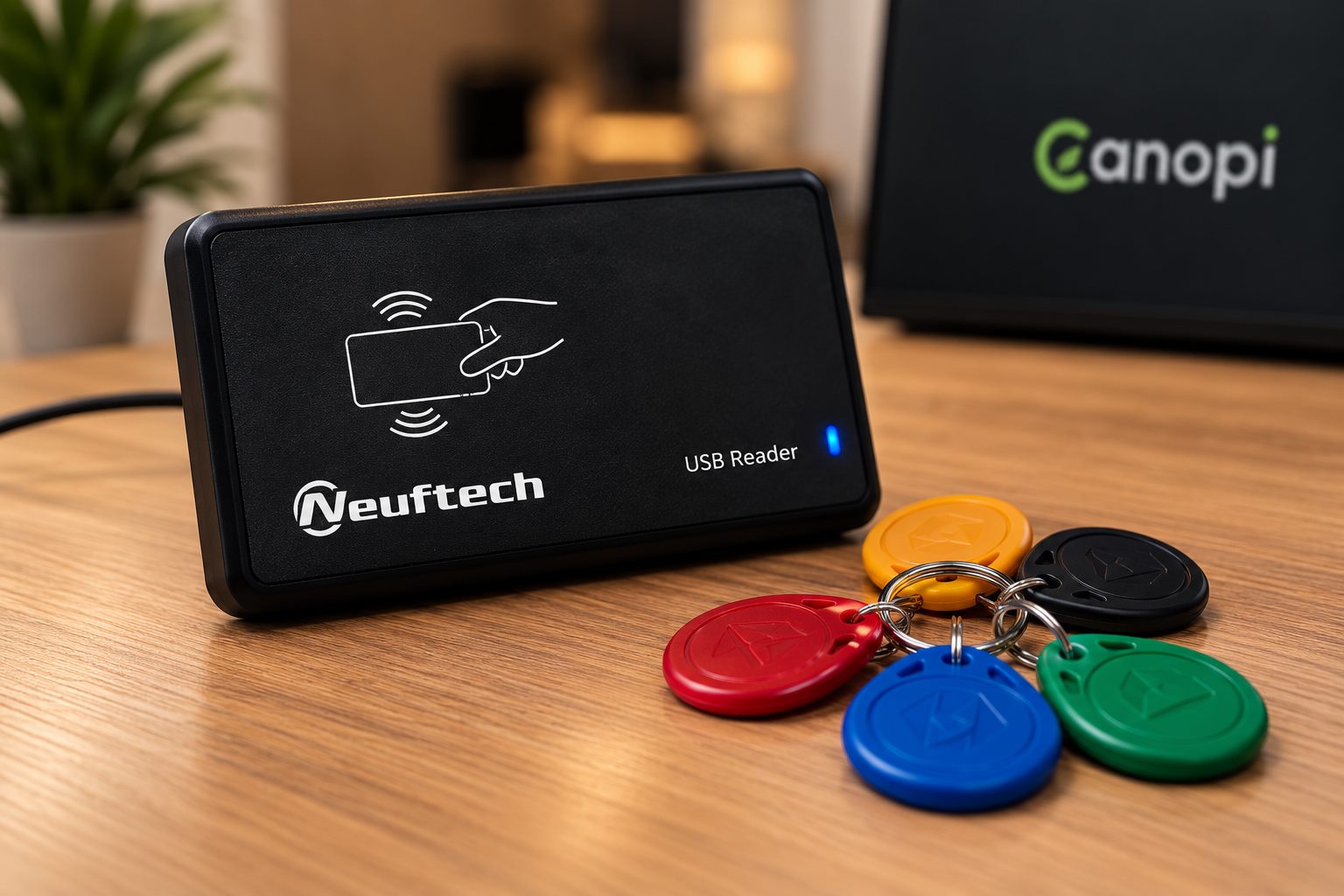
- 125 kHz
- EM4100/TK4100
- USB HID
- Android requires OTG
RFID reader and key fobs
The member holds their key fob to the reader and Canopi instantly shows who they are and whether they can go ahead: green if everything is in order, amber if they have outstanding debt or an unsigned contract, and red if their membership has been cancelled or the key fob isn't assigned to anyone.
No need to go to Members: tap the key fob and the member's profile pops up over whatever you're doing.
From the member's profile, hold the key fob to the reader and it's assigned. Canopi won't let you give a member a key fob that already belongs to someone else.
The module is off by default. Once you have the reader, ask us to activate it for your club.
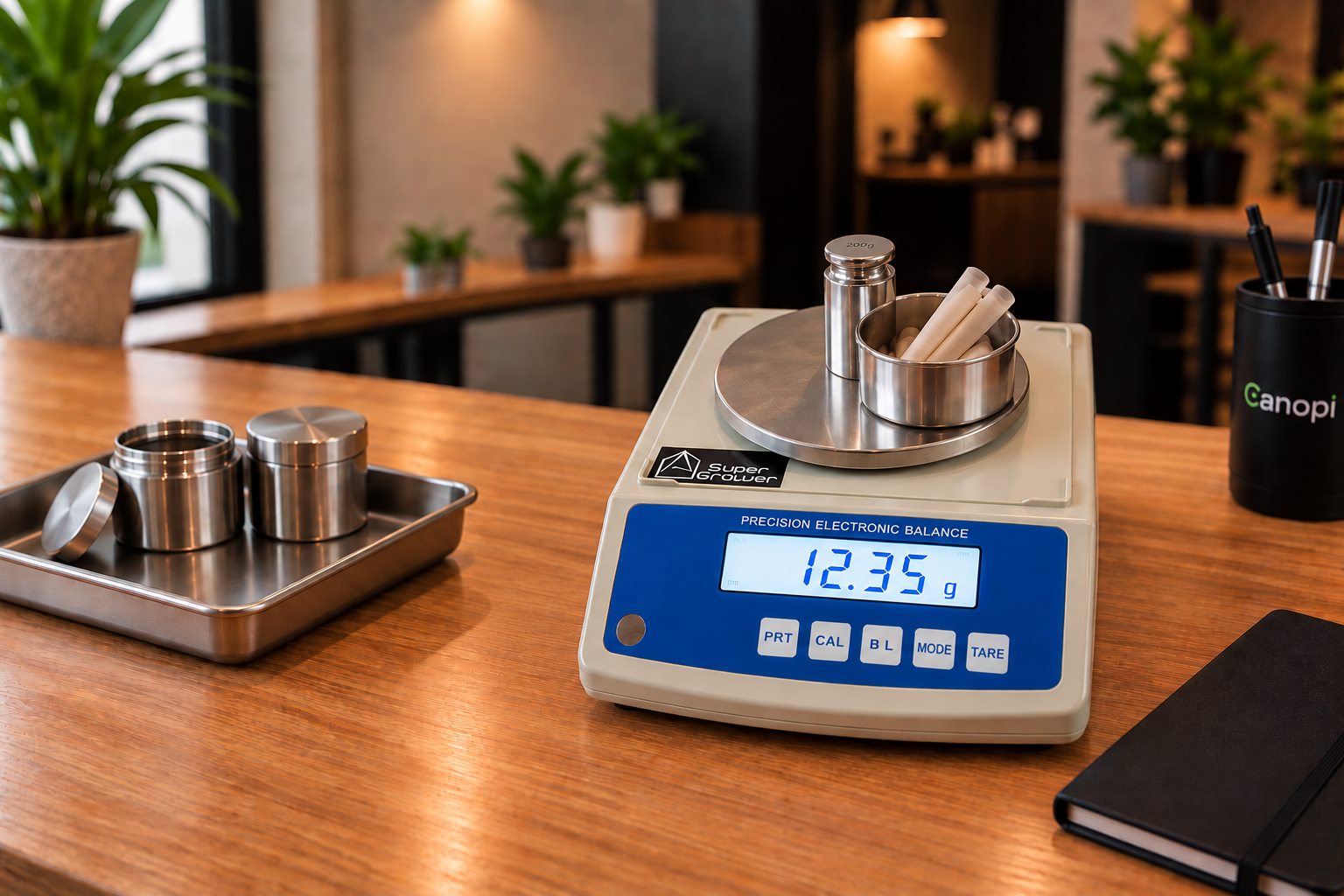
- 0.01 g
- Tare
- RS232 / USB
- Suitable for Canopi
Precision scale
Canopi reads the weight from the counter scale: you weigh, press the scale button on the cart line and the grams go in on their own. It also works for the stock count. If you already have another scale, it will still do: grams are typed in by hand, as before.
A computer with Chrome or Edge and the scale turned on in Settings. If you order it with the cable and adapter, it comes ready to plug in. At the start of the day, press “Connect scale” once.
If you're not sure whether your club needs a verified scale (with the metrology “M” marking), check with your advisor.
- With your finger
- From a phone via QR
- With a mouse
- No signature pad
Contract signing, no signature pads
Designed to speed up sign-ups and save your staff time. You don't need a signature pad or any special device: the member reads the contract to the end and signs on the screen you already use or from their own phone.
With a finger on a tablet or touchscreen, or with a mouse on a computer.
Canopi shows a QR code; the member scans it, reads the contract and signs on their phone. The signature reaches the dashboard as soon as they finish.
Common questions about equipment
Do I need to buy anything to get started with Canopi?
No. If you already have a computer or tablet with a browser and an internet connection, you can start working with Canopi. Any other hardware is optional and depends on how you want to run your club.
Can I use the RFID reader and key fobs I already have?
In many cases, yes. Canopi works with 125 kHz USB readers and EM4100/TK4100-compatible key fobs. If you already have equipment, send us a photo or the model and we'll check compatibility before you buy anything.
Can the RFID reader open the club's door?
No. In Canopi it's used to quickly identify the member and open their profile. It doesn't control doors or locks.
What happens if a member loses their key fob?
You can unlink it from their profile and assign a new one in seconds. From then on, the old key fob no longer identifies the member.
Do I need a signature pad for contracts?
No. The member can sign on a tablet or touchscreen, with a mouse on a computer, or directly on their phone by scanning a QR code. It's designed to speed up sign-ups without adding more hardware to the counter.
Can Canopi connect directly to a scale?
Yes. Canopi reads the weight through the scale's RS232 port (with a USB adapter) and sends it to the dispensary and the stock count with one click. We've tested it with the Super Scale WT3002A. If you have another model, ask us first: each brand sends the weight in its own way, and we'll only confirm it once we've tested it. It works on a computer with Chrome or Edge; on a tablet, grams are typed in by hand.
Information reviewed in September 2026.
Questions about your equipment?
Send us a photo of what you already have at the counter and we'll tell you what works and what doesn't.